Navigating to the Meter Map
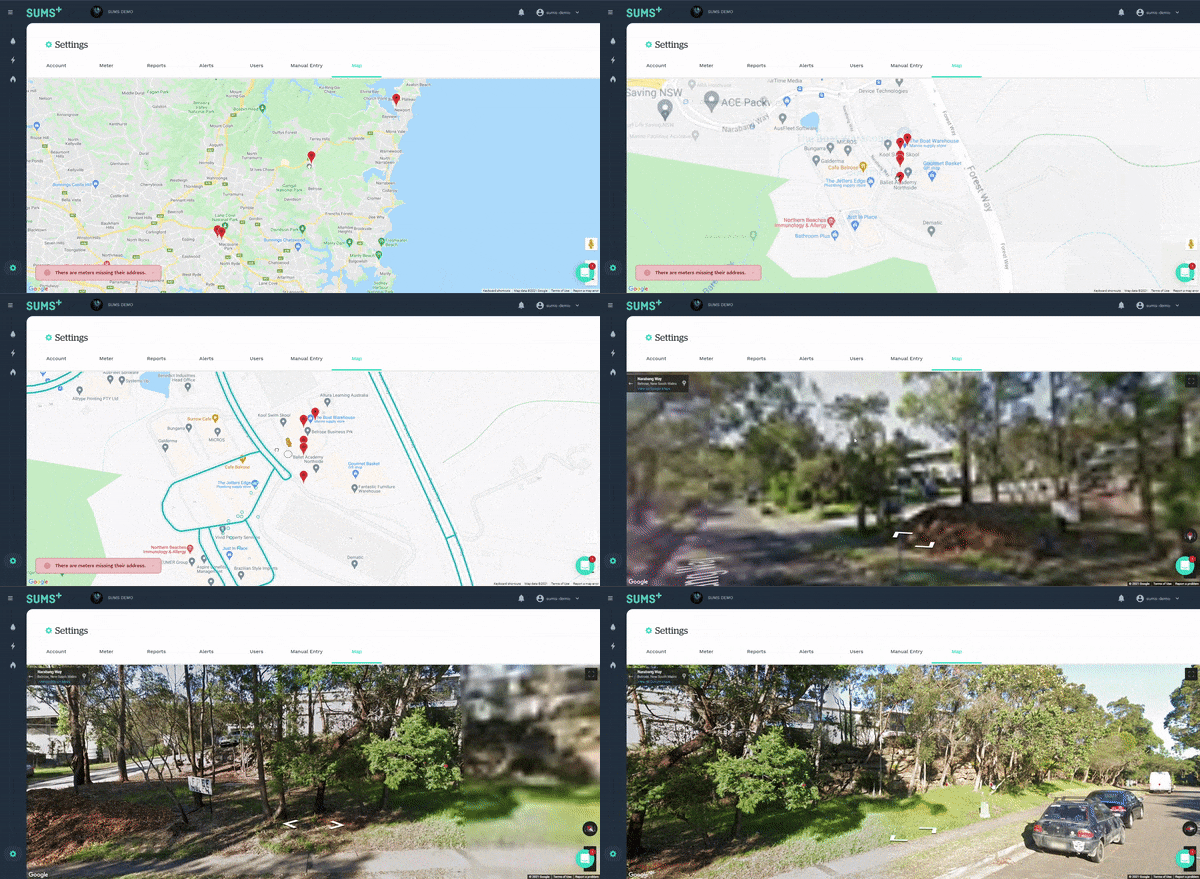
The last tab in the settings page will show a map of all meters in the enterprise or division. To go here, click the settings cog in the bottom left-hand corner of the dashboard.
Finding Your Meters
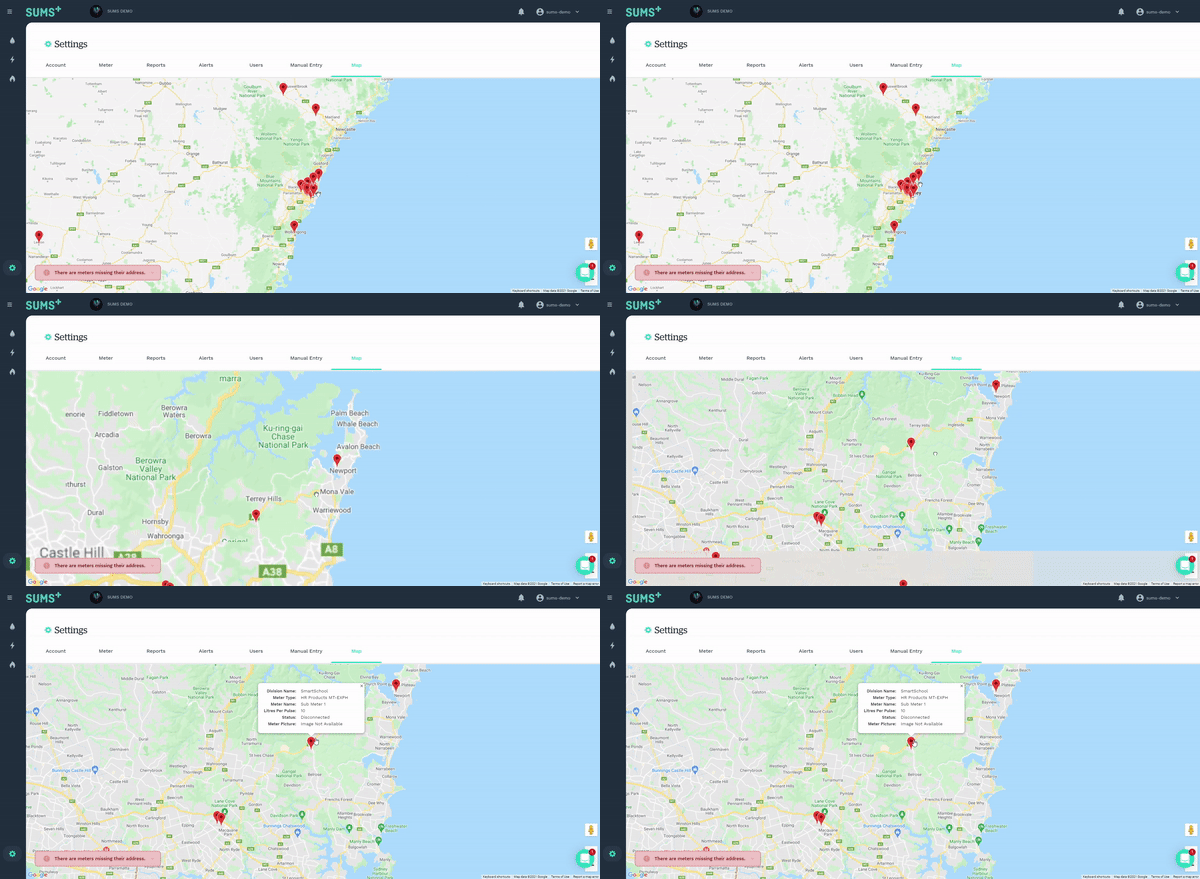
Each pin in the map is representative of a meter. Clicking on a pin will bring up more meter information.
Missing Addresses
For those meters where the address is missing, the division's address will be used. An error will appear in the bottom left-hand corner of the map if there are any meters with neither address. Clicking this will bring up a list of those meters.
Street View
By dragging the small orange person in the bottom right-hand corner of the dashboard onto a street, Street View can be entered. Meter pins will still appear in this view.