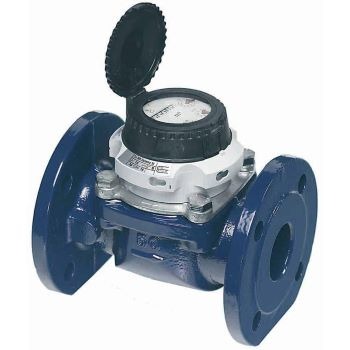
This installation video provides instructions on how to install a SUMS data logger on the Sensus WP-Dynamic water meter.

Important Steps
STEP 1. Watch the installation video below.
STEP 2. Complete the installation.
STEP 3. Be sure to complete the Logger Self-Installation form; this will notify SUMS that you have completed the installation so that it can be processed.
STEP 1. Watch the installation video below.
STEP 2. Complete the installation.
STEP 3. Be sure to complete the Logger Self-Installation form; this will notify SUMS that you have completed the installation so that it can be processed.
Photo of Sensus WP-Dynamic